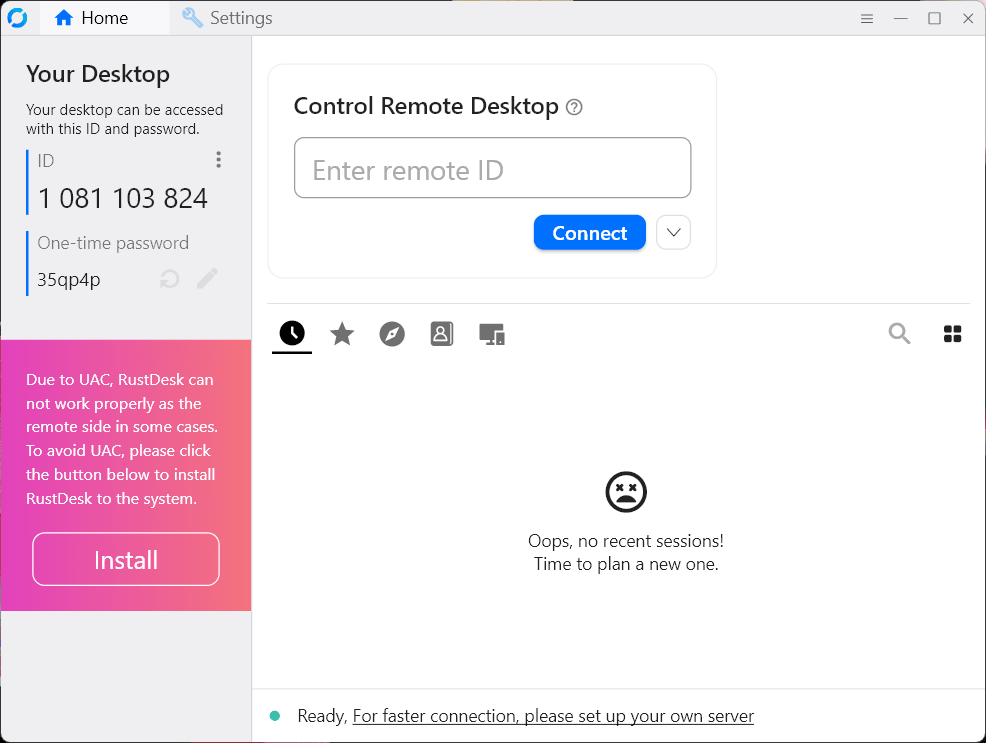
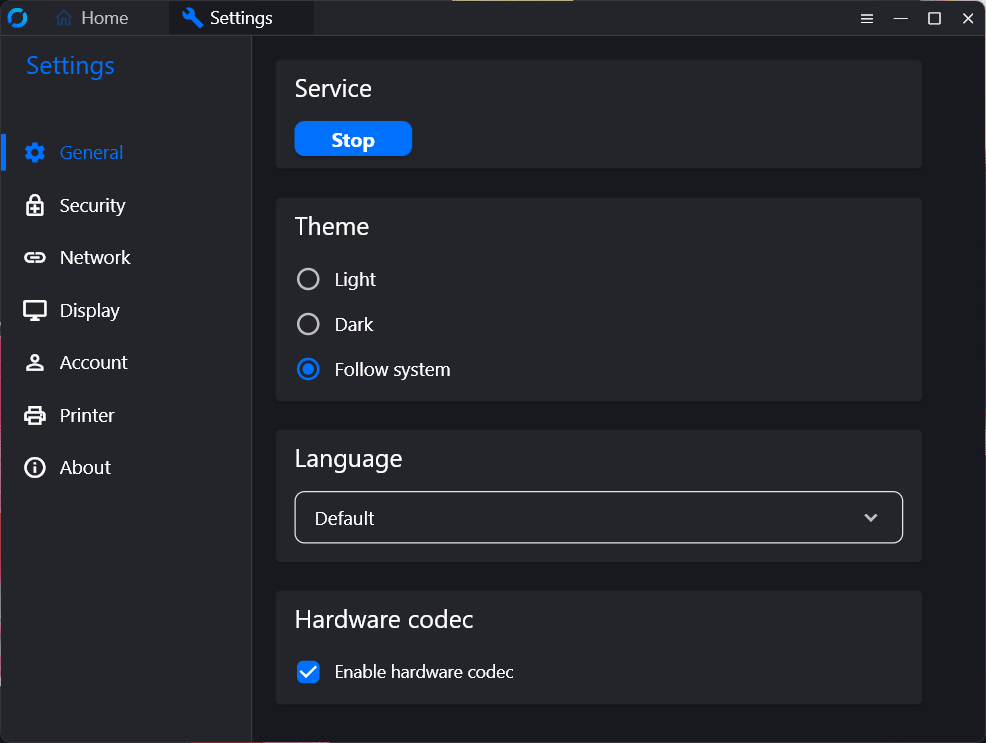
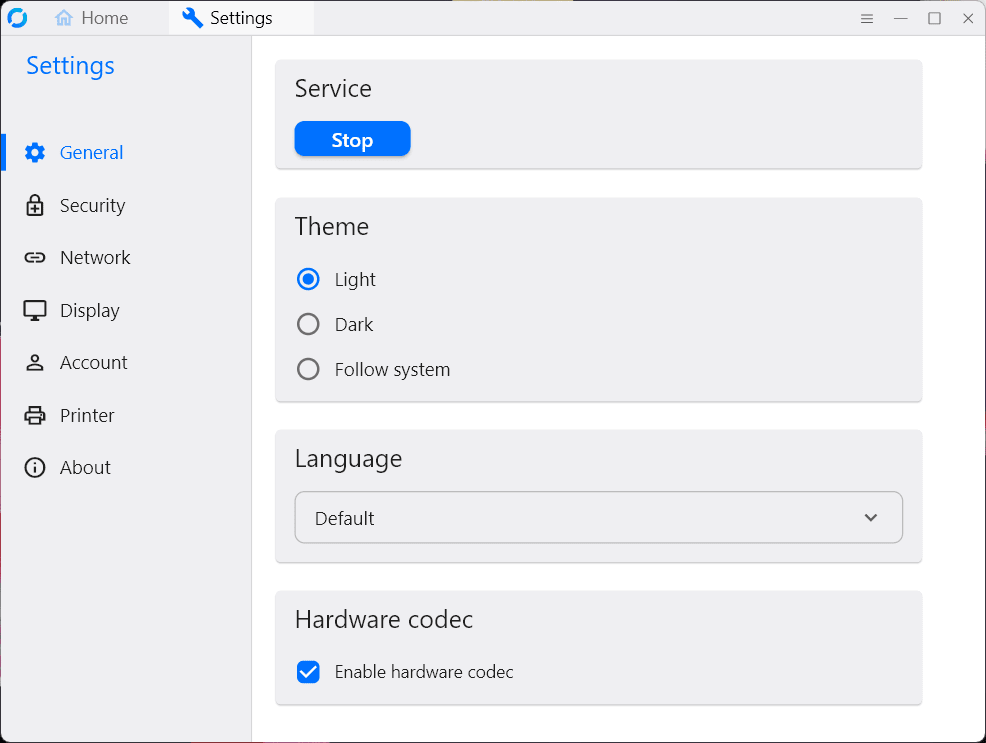
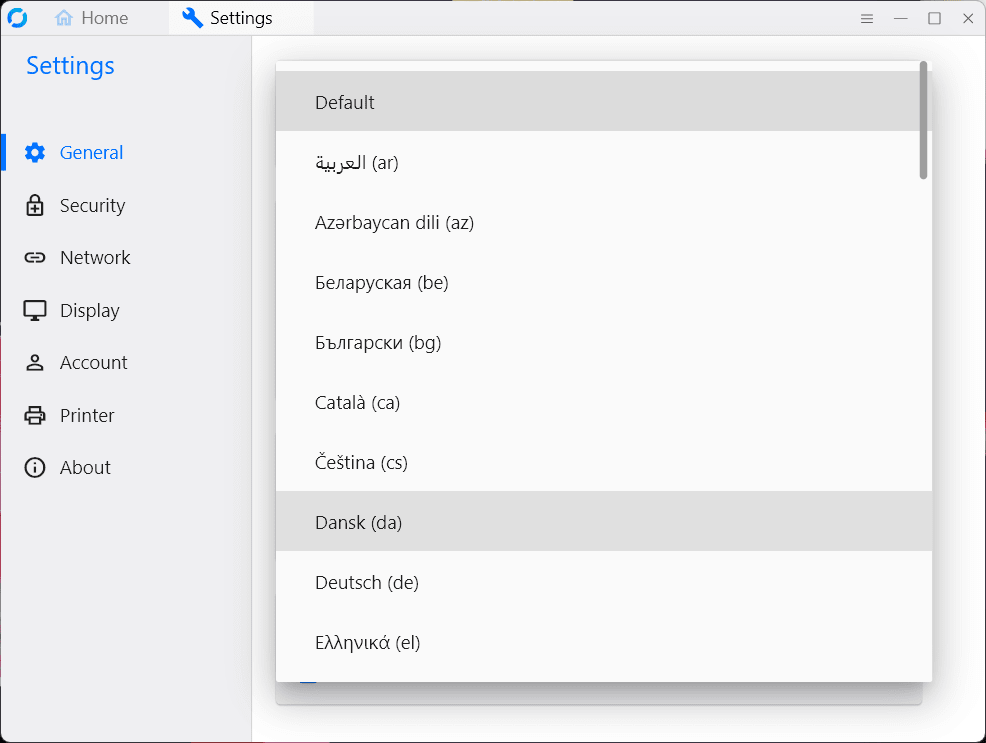
RustDesk is a remote desktop application that has become very popular over the years due to its high performance and open-source nature. While there are many giants in this industry, it is carving out a space as a direct alternative to those tools.
Traditional remote access tools are often quite expensive when it comes to their monthly subscriptions. They also rely on vendor-controlled cloud servers to coordinate and relay screen-sharing traffic. RustDesk takes a different approach, providing an open-source, cross-platform client for Windows while giving users the freedom to control their own backend infrastructure.
Public community network
Out of the box, RustDesk can be used immediately over the public community network, offering standard remote control, file transfer, and clipboard sharing. However, its true power lies in its self-hosting capabilities. IT professionals and privacy-conscious users can spin up their own relay server on a private Linux VPS or local network.
This completely eliminates reliance on third-party cloud routing, ensuring that all connection metadata and screen data remain entirely within your controlled perimeter. For organizations fed up with sudden commercial licensing lockouts and escalating renewal costs, it offers a transparent, ownership-first approach to remote support.Open-source client and self-hosted relays
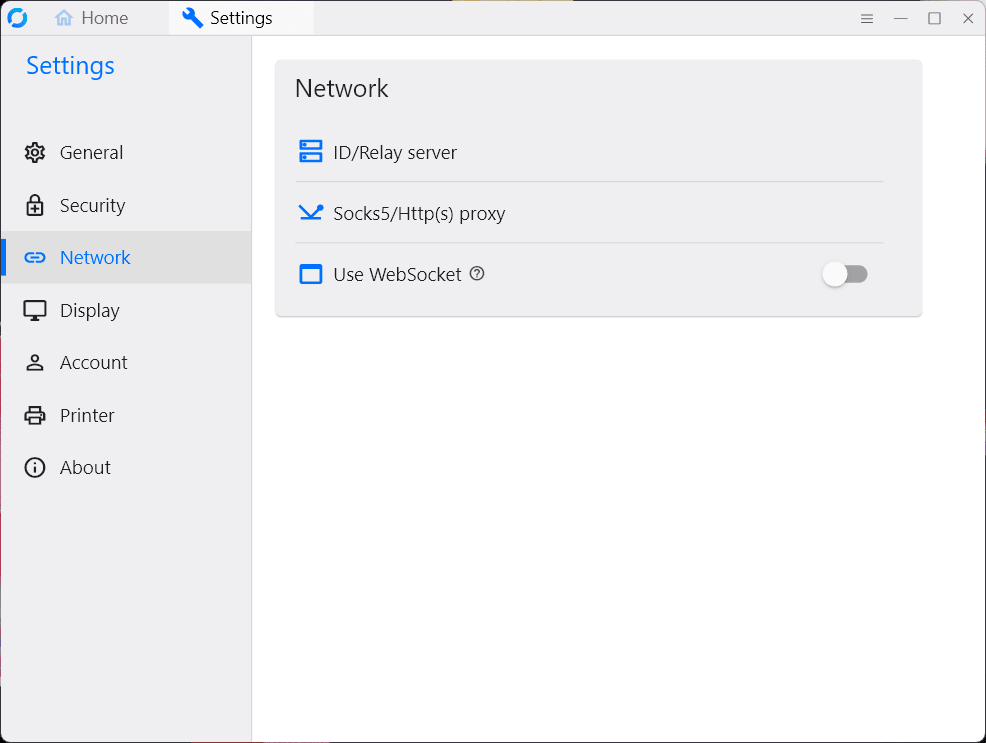
The client software is completely open-source under the AGPL license. You can either use the free public servers or deploy your own private ID and relay server using Docker. The self-hosted model ensures maximum privacy and reduces latency when it comes to screen sharing and managing remote access.End-to-end encryption
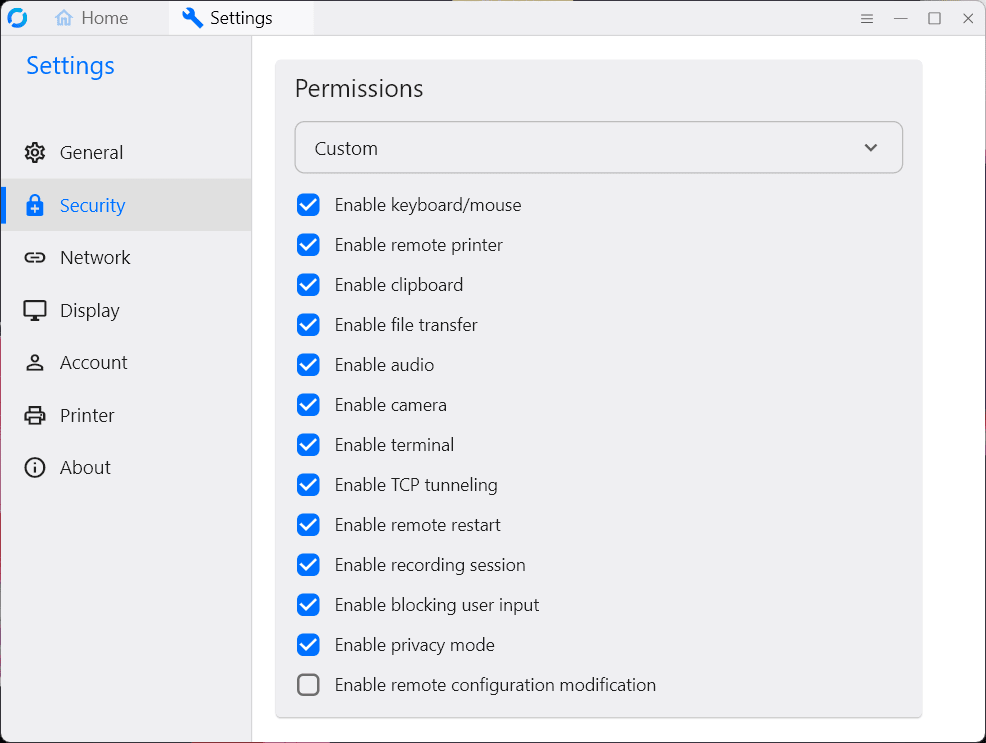
Security is a core focus for remote access, and RustDesk secures all connections using strong end-to-end NaCl encryption. When self-hosting, this means not even the relay server itself can decrypt the visual data being transmitted. Whether you are providing family tech support or managing a corporate fleet, your sessions remain strictly private. This is a major advantage for anyone concerned with securing their connections.Cross-platform support and file transfer
While the Windows client is highly optimized, RustDesk boasts genuine cross-platform parity. A Windows technician can easily control macOS laptops, Linux workstations (supporting both X11 and Wayland), and even view or control Android mobile devices, though iOS functions purely as a controller. The interface includes a dedicated file manager for swift background transfers and full clipboard synchronization.Free community version and pro server tiers
The standard RustDesk client and the community Server OSS are 100% free. The client, as mentioned earlier, is also open-source. For enterprise teams requiring centralized management, the developers offer RustDesk Server Pro, a proprietary self-hosted backend that adds a web console, OIDC (SSO) integration, LDAP support, and a custom client generator.
The Pro tier uses a subscription-based model, with final pricing depending on the tier chosen and any active promotions.An outstanding open-source remote desktop alternative
RustDesk is a breath of fresh air in a remote desktop market dominated by commercial giants. It delivers the speed and convenience of its major competitors while maintaining the transparency and zero cost of open-source software.